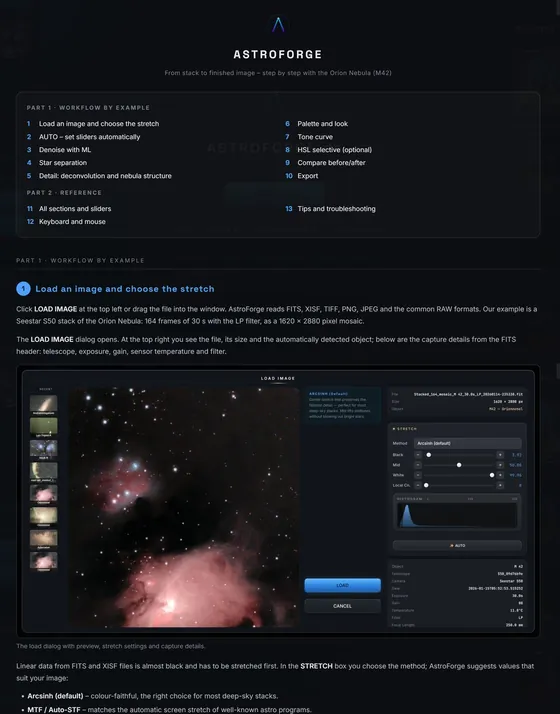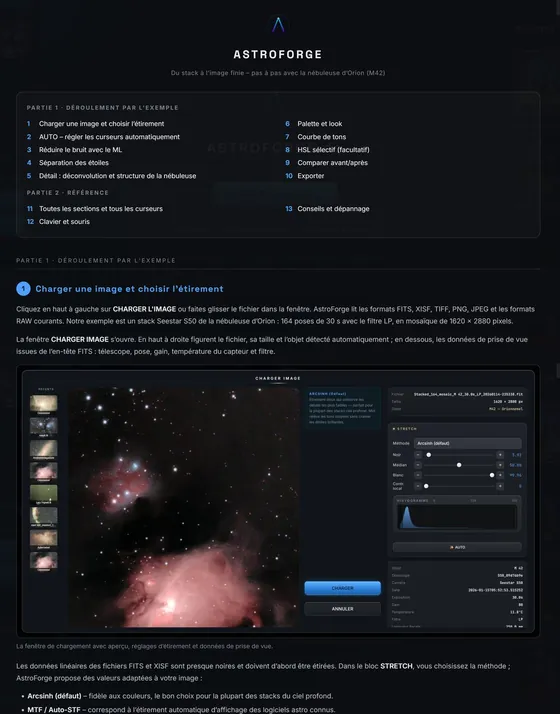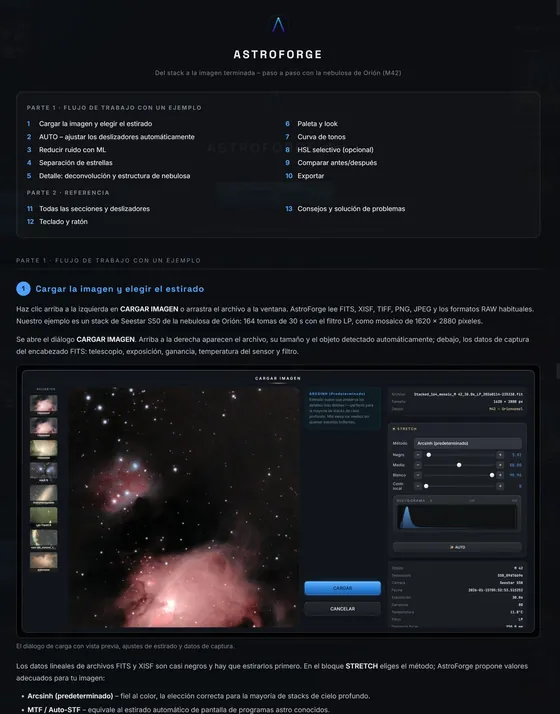
Astrophotography editor for Windows

Your telescope captures the light. We reveal what’s hidden in it.

AstroForge turns smart-telescope stacks into finished images: in-house ML models for noise and star removal, trained on Seestar data, a professional linear pipeline and AUTO in one click. Pro results without the learning curve.

7 days full access · No credit card · No account needed

€49one-time
3devices
26palettes
4languages
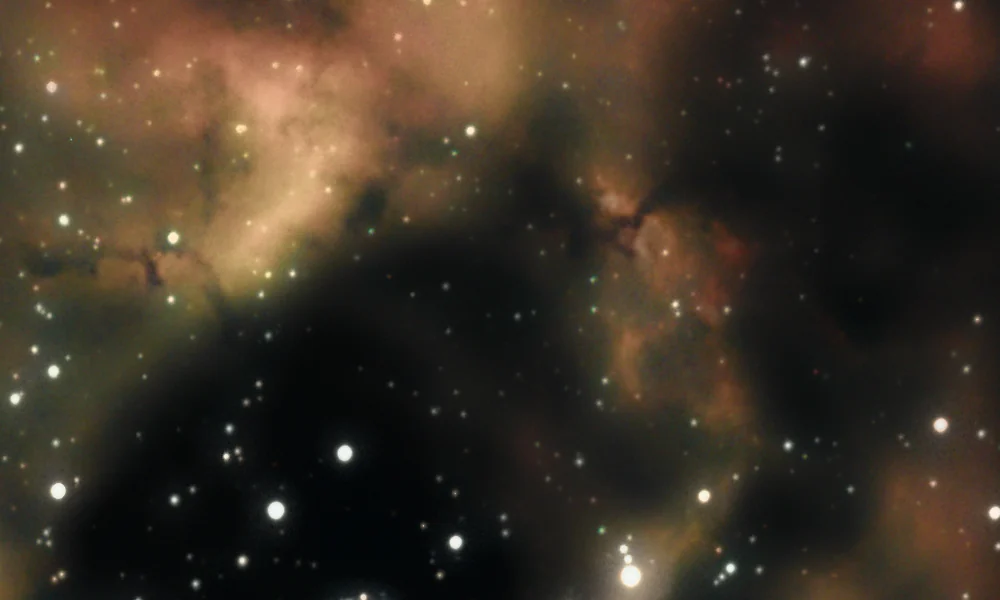
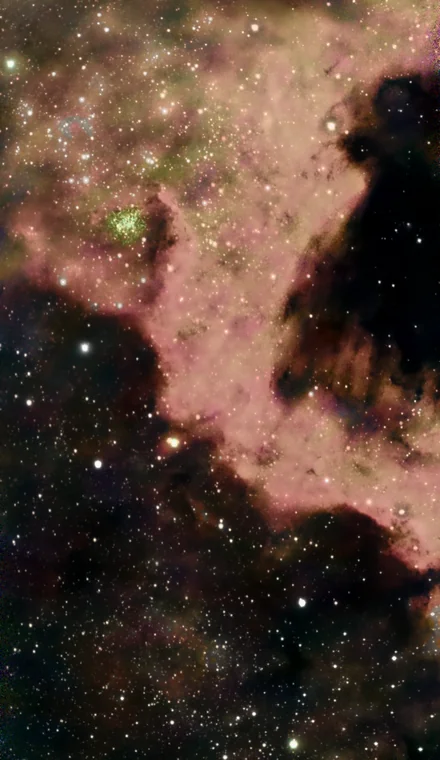
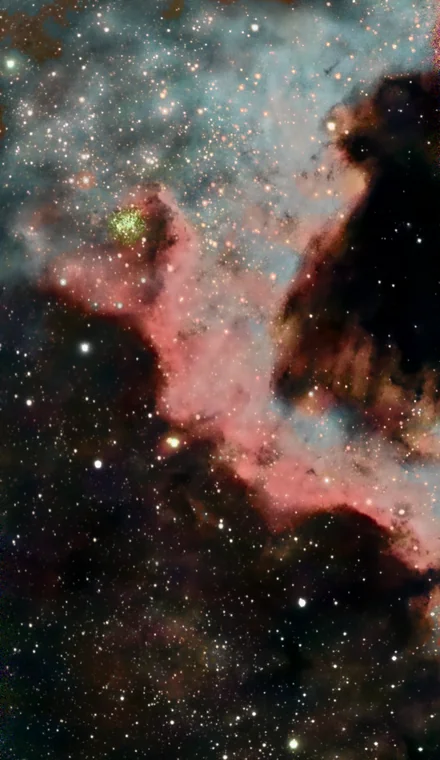
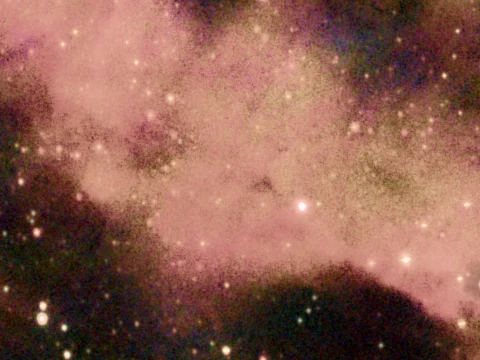
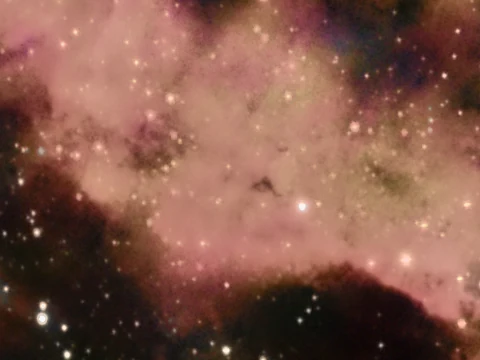
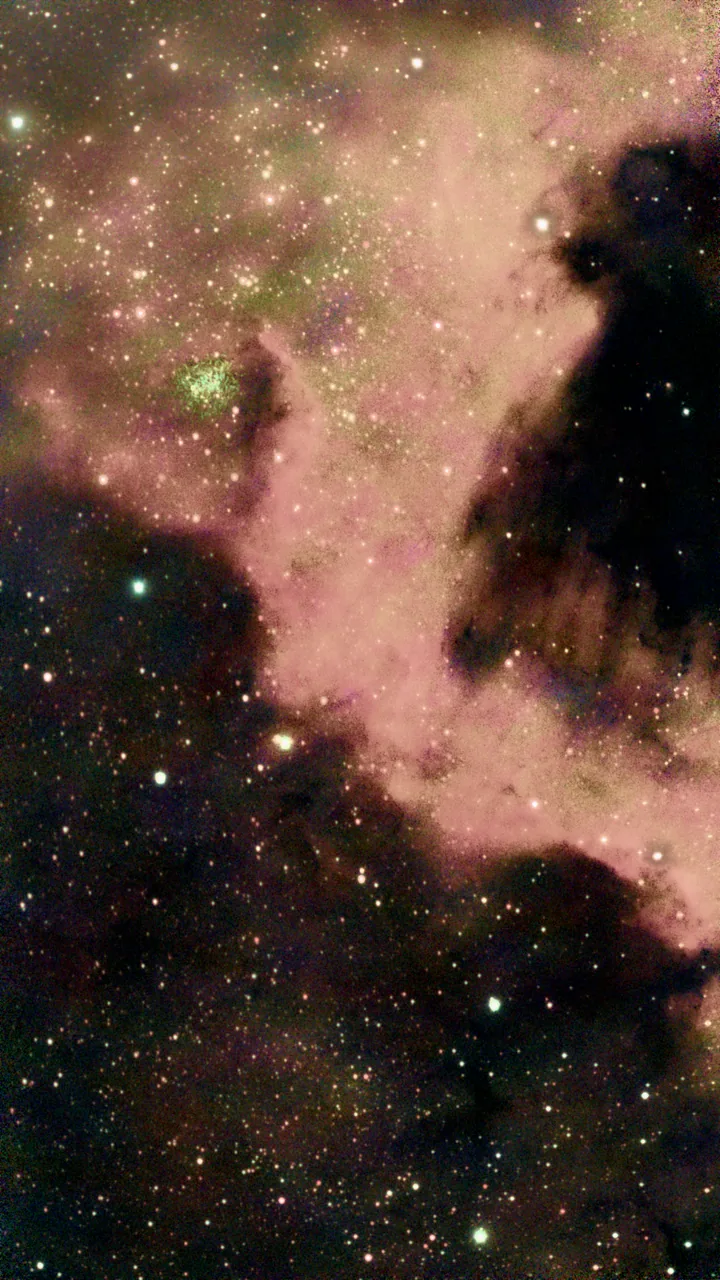
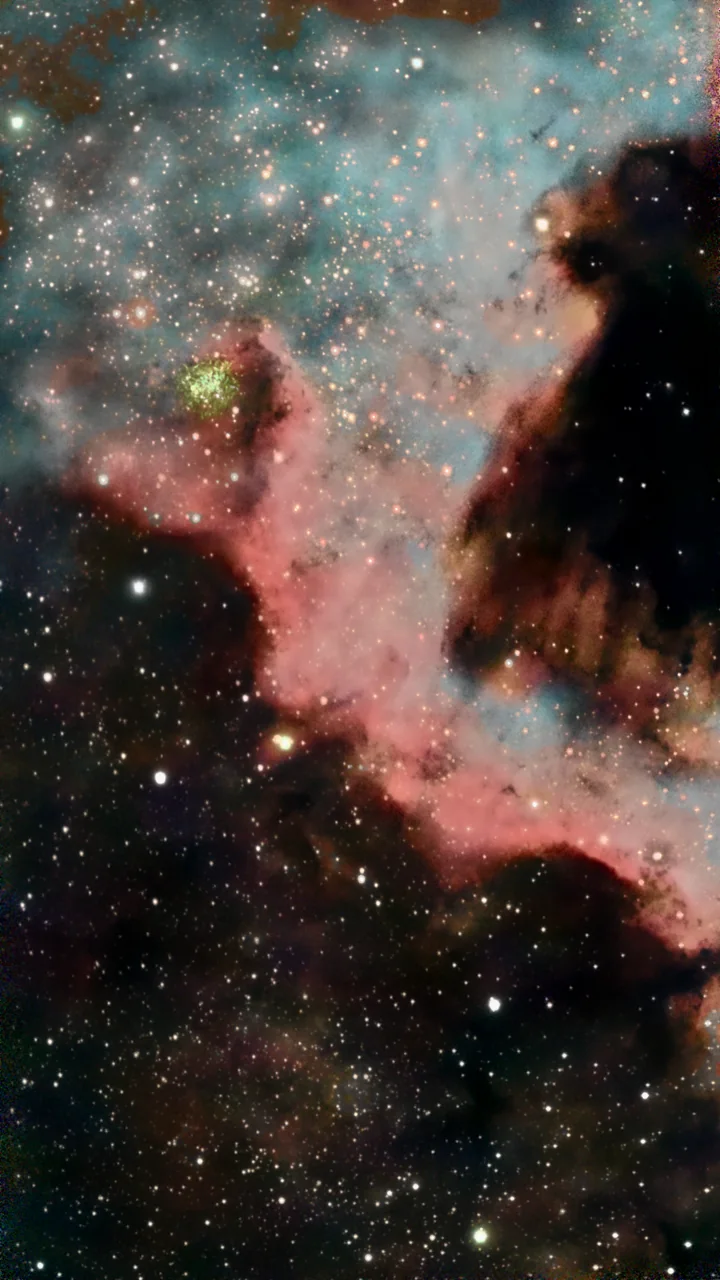
North America Nebula NGC 7000 right after loading the stack North America Nebula NGC 7000 finished in AstroForge Loaded AstroForge
NGC 7000 · North AmericaRA 20h59m · DEC +44°20′
Drag: loaded stack vs. finished edit
AstroForge in one minute

One stack. One minute. One finished image.

Video · English

  • Seestar S50
  • Seestar S30
  • S30 Pro
  • Dwarf II
  • Dwarf 3
  • Vespera II
  • Stellina
  • eQuinox 2
  • eVscope 2
  • Odyssey
  • Celestron Origin
  • FITS
  • XISF
  • TIFF
  • RAW
Quick tutorial

From raw stack to finished image — in 7 steps

A 5-minute walkthrough of the standard editing workflow. Rotate, palette, denoise, star separation, sharpen and tone in one pass.

5:12 · Video tutorial

What makes the difference

Built for the data your telescope really delivers.

Not generic photo filters. Every step understands astronomical data — noise patterns, star profiles, emission lines. Drag the sliders: all comparisons are real AstroForge output.

01ML Denoise

Noise gone. Structure stays.

Our own ML model was trained on Seestar S50/S30 stacks with their real, measured noise. It works on the raw linear data — before the stretch, where noise can still be separated cleanly — and keeps stars and the faintest filaments intact.

  • Three modes: Light, Medium, Strong
  • Runs on the linear stack, not on the stretched image
  • GPU-accelerated via DirectML, CPU fallback
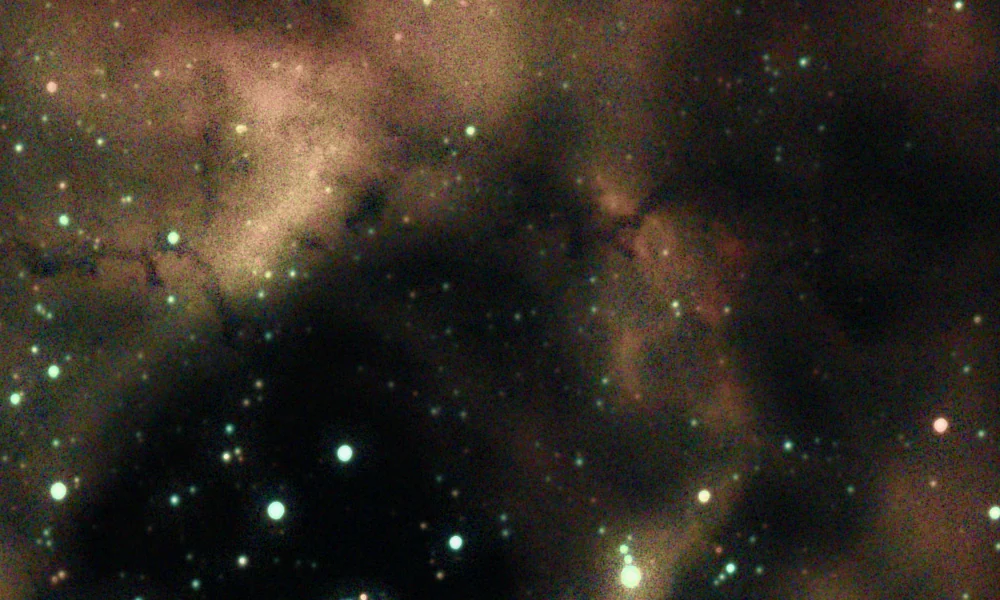
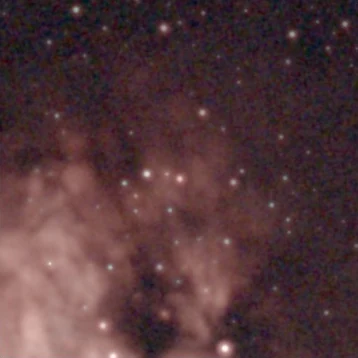
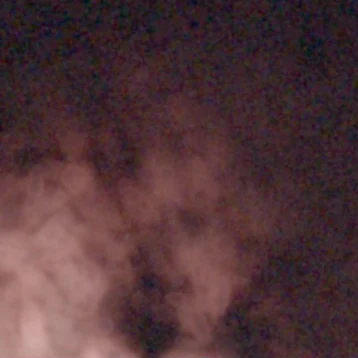
Crop of the Rosette Nebula without denoising, clearly visible noise The same crop after ML denoising Without ML Denoise
Rosette Nebula · 100 % crop · AUTO + ML denoise “Medium”
02ML Star Removal

Nebula and stars — two layers, full control.

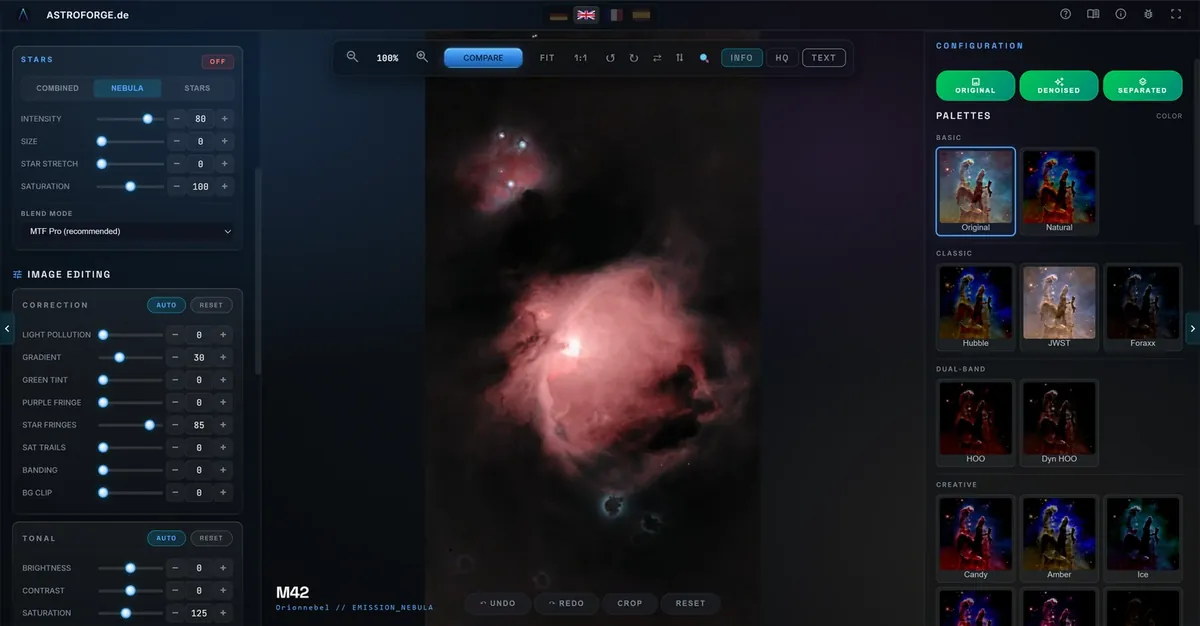
A second in-house model removes the stars from the linear stack — including saturated giants and stars embedded in nebulosity. Edit the starless nebula and the star layer separately; recombined, you get exactly your original back.

  • Stretch, shrink and desaturate stars independently
  • Detail effects work on the starless layer — no ringing
  • Views: combined, nebula only, stars only
M17 with stars M17 without stars OriginalStarless
M17 · Nebula
Pleiades M45 with stars Reflection nebula of the Pleiades without stars OriginalStarless
M45 · Reflection
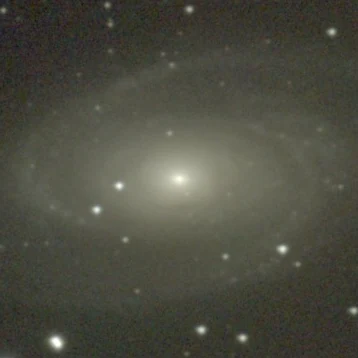
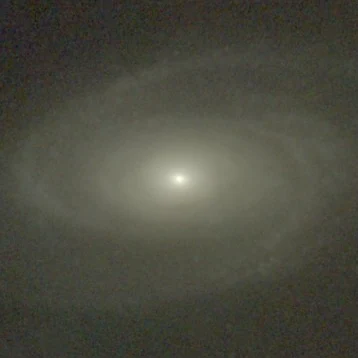
Galaxy M81 with stars Galaxy M81 without stars OriginalStarless
M81 · Galaxy

1:1 crops from Seestar stacks · own star-removal model

03Palettes & line balance

HOO, Foraxx & more — from real emission lines.

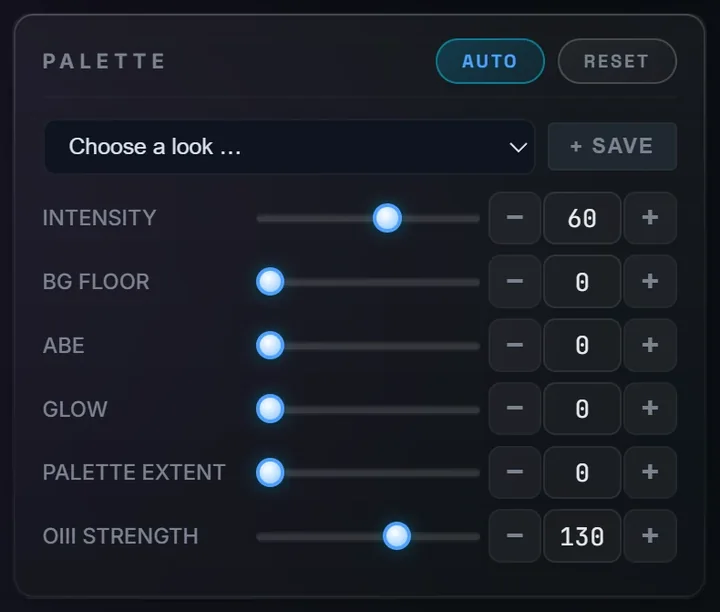
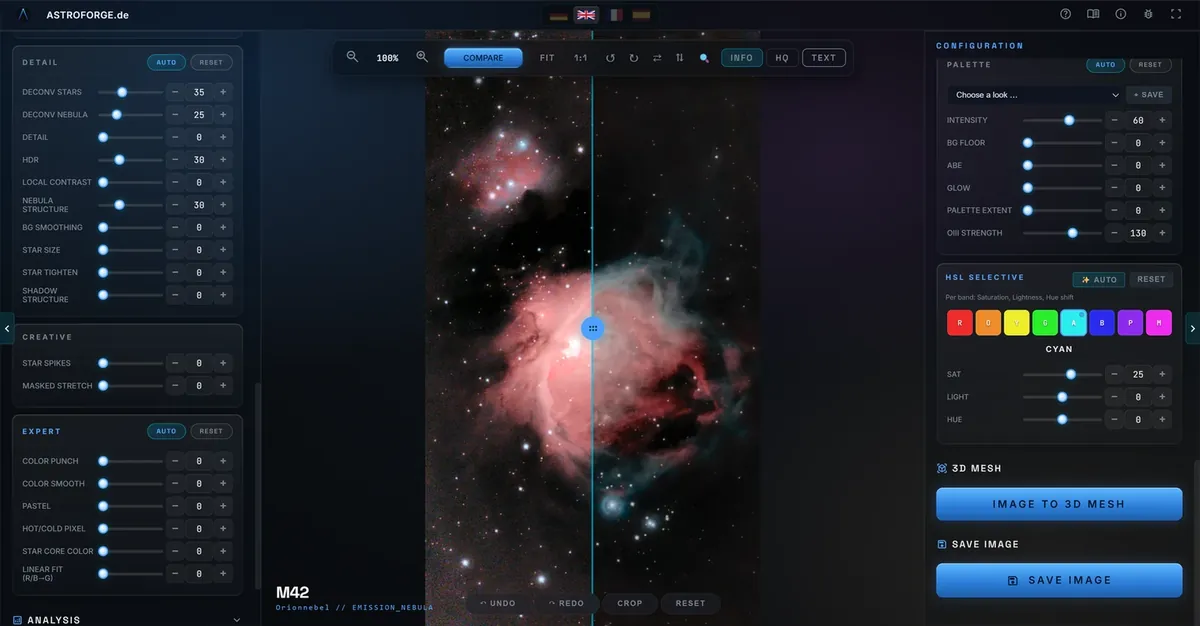
AstroForge extracts Hα and OIII physically from your colour data, fills the stars out of the line maps and transfers the colour smoothly in OKLab. No invented signal — just a balanced palette, 60 % intensity by default and adjustable at any time.

  • 26 palettes — from natural colour to Hubble, JWST and Foraxx
  • OIII strength, nebula reach and background level adjustable
  • Export the line layers (Hα / OIII / SII) separately
Object in original colours The same object with a narrowband palette OriginalHOO

Object

Palette

04AUTO & Looks

One click to a balanced start.

AUTO renders small previews of the real pipeline and picks slider values by measured targets: sky level, no clipped highlights, no neon colours, controlled noise. 24 adaptive Looks give you a finished style in one click — and every value stays editable.

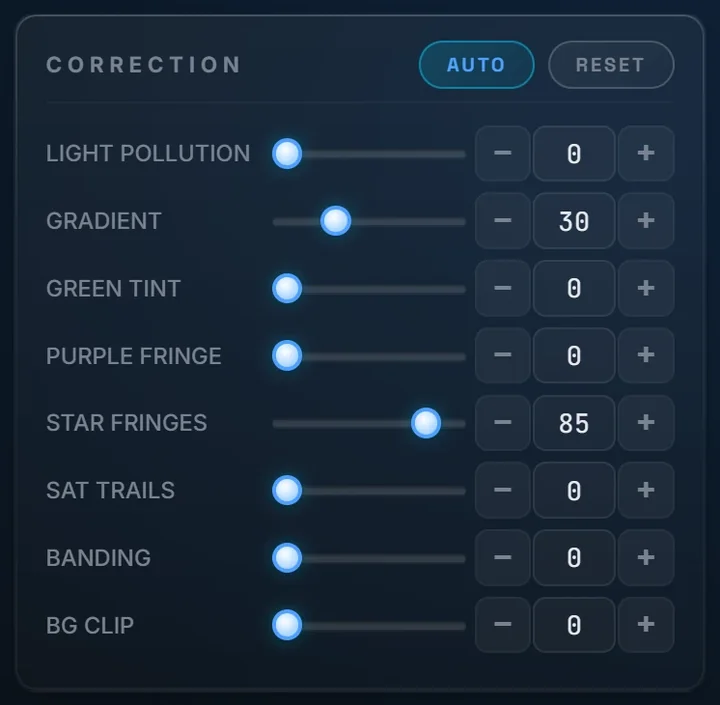
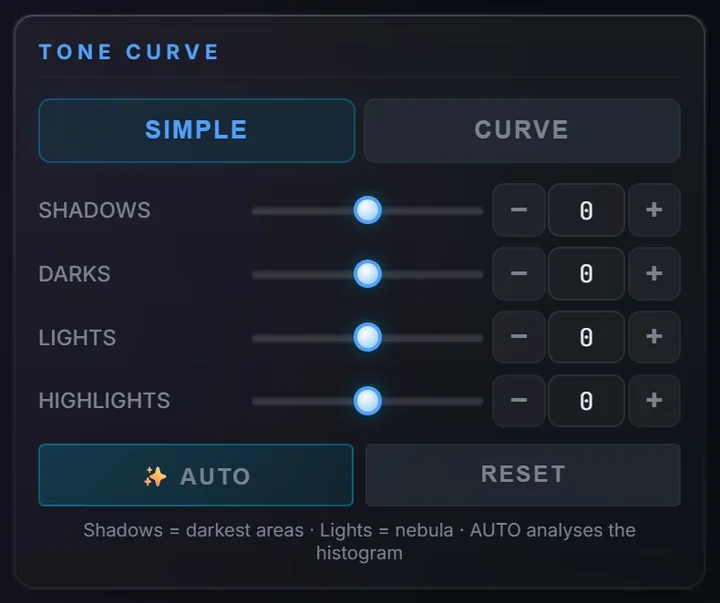
  • AUTO per section: correction, tone, detail, palette, curve, HSL
  • Looks adapt their strength to each image
  • Save your own Looks and reuse them
Correction card with AUTO button
Palette card with intensity and OIII strength
Tone curve in simple mode with AUTO
05Pipeline

Processed in the right order — like professional astro software.

Everything that belongs in linear data happens there: satellite trails, hot pixels, banding, light pollution, gradient, deconvolution and noise reduction — only then comes the stretch. Deconvolution measures a field-variable PSF and treats stars and nebula separately.

Linear

01Satellite trails 02Hot & cold pixels 03Banding 04Light pollution 05Gradient 06Deconvolution 07Noise reduction
Stretch

Non-linear

08Star separation 09Nebula & star stretch 10Detail & HDR 11Colour & curves
NGC 7000 crop right after loading The same crop after denoising, star separation and detail processing LoadedDetail

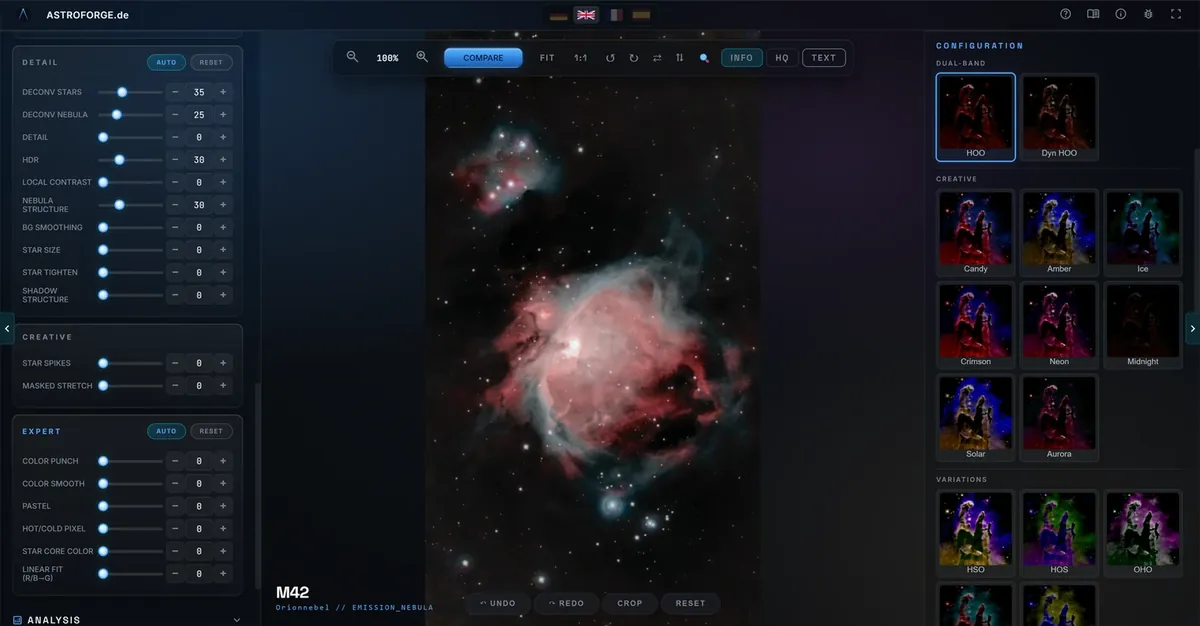
NGC 7000, 100 % crop: loaded vs. after denoising, star separation and detail (deconvolution, nebula structure, HDR). The detail effects are computed on the starless layer, so stars keep clean edges.

06Export

Ready for print, forum and further processing.

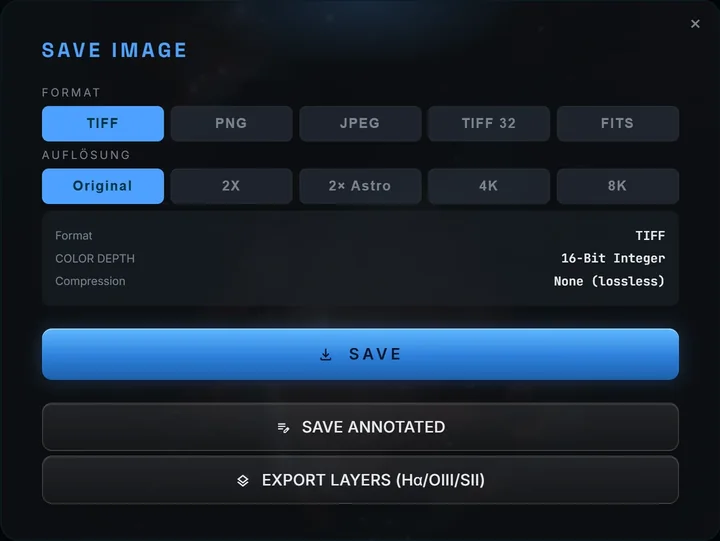
Every format carries an embedded sRGB ICC profile, 8-bit output is always dithered against banding. Export at original resolution or up to 4K and 8K — optionally with annotations.

TIFF 16lossless integer
TIFF 32float for further processing
FITSlinear master
PNG8-bit, dithered
JPEGfor sharing
4K · 8Kposter resolution
Save dialog with format and resolution choice
07Manual

A manual that speaks your language.

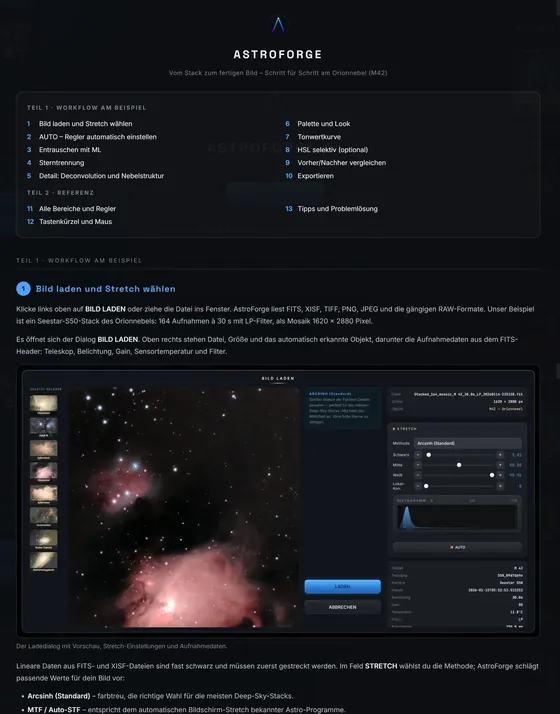
The built-in illustrated manual walks you through every step — with screenshots from your language version of the app. AstroForge itself detects your system language.

DeutschEnglishFrançaisEspañol
Manual page in German Manual page in English Manual page in French Manual page in Spanish
Also on board

Everything for the finishing touch.

Tone curve & HSL

Simple mode with four sliders and AUTO, or a full L/R/G/B curve. Selective HSL across 8 colour bands.

SPCC colour calibration

Spectrophotometric colour calibration via Gaia DR3 for physically correct star colours.

DSO annotation

Plate solving and labels for up to 500 objects per field — all 110 Messier objects, with type and magnitude.

Satellite trails & cosmetics

Detects and removes satellite trails, hot and cold pixels and banding.

3D Nebula Studio

Turn your image into an interactive 3D scene and explore it from every angle.

Upscaling

2× astro upscaling and export at 4K or 8K for prints and posters.

Star colour

Corrects coloured fringes, lateral chromatic aberration and purple star edges.

Crop, rotate, text

Crop with eight handles, rotate in 90° steps, add text annotations in 14 fonts.

Workflow

From stack to picture in six steps.

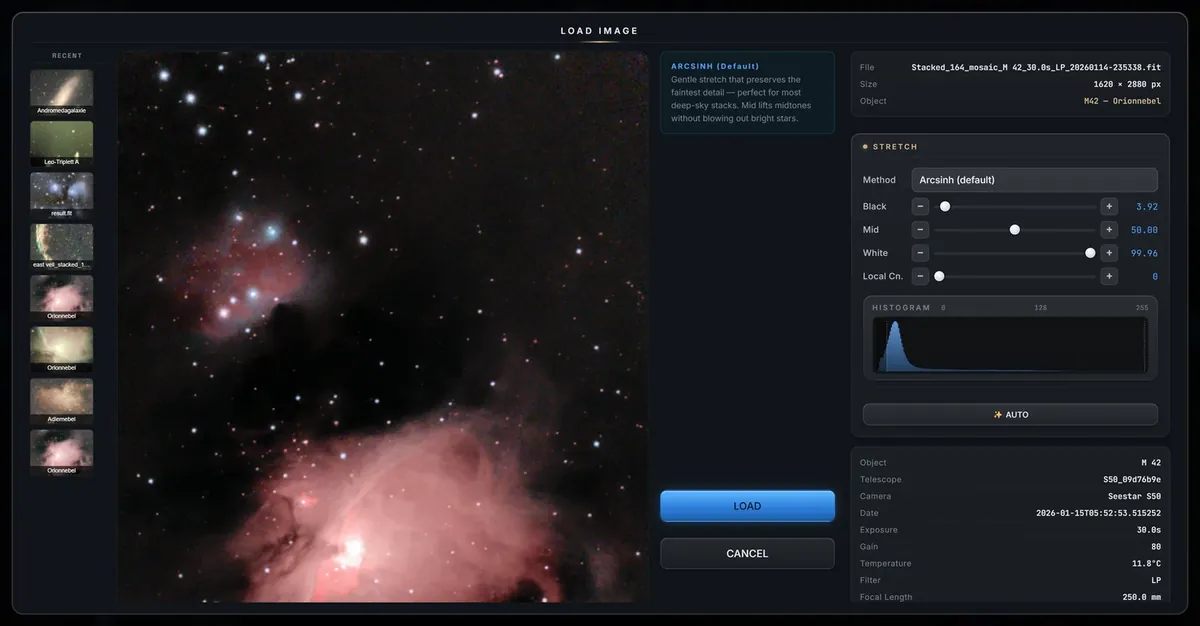
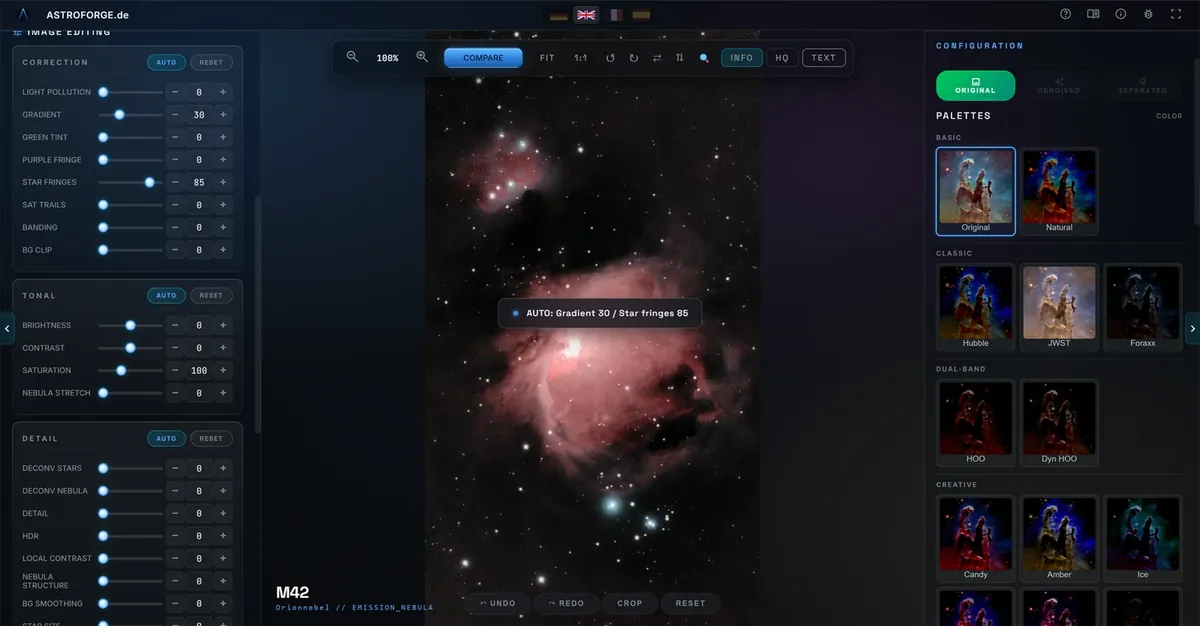
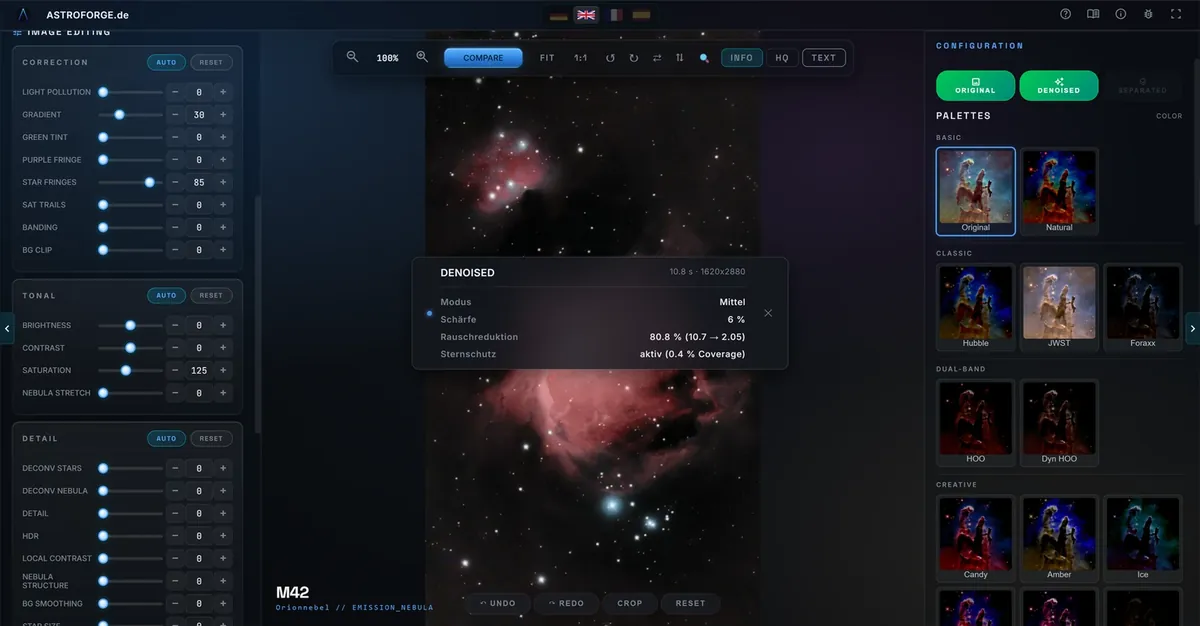
AstroForge after loading an M42 stack AstroForge after AUTO AstroForge after ML denoising with info panel Starless nebula after star separation M42 with a palette applied Before/after comparison in the app
Compatibility

Works with your gear.

Telescopes

Seestar S50S30S30 ProDwarf IIDwarf 3Vespera IIStellinaeQuinox 2eVscope 2OdysseyCelestron Origin

Formats

FITSXISFTIFFPNGJPEGCR2CR3ARWNEFDNGORFRW2RAF

Software

Seestar AppASIAIRDeepSkyStackerSirilAPPSharpCapN.I.N.A.ASTAP
Pricing

One price. Everything included.

Free trial — 7 days — no registration — all functions unlocked

€49one-time
No subscription. Ever.
  • Own ML models for denoise and star removal
  • Professional linear pipeline incl. deconvolution
  • 26 palettes, 24 Looks, tone curve & selective HSL
  • Export: TIFF 16/32-bit, FITS, PNG, JPEG — up to 8K
  • DSO annotation, SPCC & 3D Nebula Studio
  • 4 languages (DE/EN/FR/ES) · 3 devices · lifetime updates

No credit card required · 3 devices · Lifetime updates

FAQ

Questions & answers.

How does the free trial work?
Download, install, start — you get 7 days of full access to every function. No account, no credit card, no registration. The trial is tied to your device: on first start AstroForge registers an anonymous hardware hash and the start date with our server once (details in the privacy policy).
What happens after the 7 days?
Buy a license for €49 one-time. You receive your license key by email and enter it in the app’s license dialog — done.
On how many computers can I use AstroForge?
One license covers up to 3 devices.
Is this a subscription?
No. You pay €49 once — no subscription fees, lifetime updates included.
Do I need an internet connection?
Image processing runs entirely on your computer. The internet is only needed for the trial and license check and for optional star-catalogue queries (plate solving for the annotation, SPCC colour calibration). An activated license keeps working offline for up to 30 days; the period starts anew with every successful online check.
Are my images uploaded anywhere?
No. No image data, no usage statistics and no personal files are transmitted. Details in the privacy policy.
Do I need a powerful graphics card?
No. A DirectX 12 graphics card speeds up the ML models via DirectML; without one, AstroForge runs on the CPU.
Which telescopes and files are supported?
Optimized for ZWO Seestar S50, S30 and S30 Pro, and compatible with all smart telescopes (Dwarf, Vespera, Stellina, eVscope, Celestron Origin) and astro cameras. Formats: FITS, XISF, TIFF, PNG, JPEG and camera RAW (CR2, CR3, ARW, NEF, DNG, ORF, RW2, RAF).
System requirements
System
Windows 10 / 11
x64 + ARM64
RAM
8 GB minimum
16 GB recommended
GPU
Optional — DirectML acceleration, CPU fallback
Disk
approx. 3 GB free space
Clear skies

Your next image starts tonight.